If you’ve ever experimented with prompts while chatting, you may have wondered how to remove a prompt from ChatGPT without disrupting your workflow.
Whether you’re cleaning up a conversation, starting fresh, or simply correcting a mistake, knowing how to manage prompts effectively can save time and improve your overall experience.
Many users, especially beginners, assume prompts are permanent once entered but that’s not entirely true.
Understanding how to remove a prompt from ChatGPT is less about deleting a single message and more about managing your conversation history, editing inputs, and resetting context.
With the right approach, you can easily control what ChatGPT “remembers” and ensure your outputs stay relevant and accurate.
In this guide, we’ll break everything down into simple, actionable steps. You’ll learn different methods to remove, edit, or reset prompts, along with helpful tips to keep your chats clean and organized. Let’s dive in and make your ChatGPT experience smoother and more efficient.
What Does “Removing a Prompt” Mean in ChatGPT?
- 🧠 It refers to managing or deleting your input text in a conversation
- 🔄 It can involve resetting the chat or starting a new one
- 📝 Sometimes it means editing or correcting a previous prompt
- 🚫 ChatGPT doesn’t allow direct deletion of individual messages (in most cases)
- 🔍 Removing prompts often means removing their effect on future responses
- 💡 Context plays a big role in how prompts influence replies
- 📂 Deleting chats removes all prompts inside them
- ⚙️ Some platforms offer edit or regenerate options
- 🧹 Clearing prompts helps keep conversations focused
- 📊 It improves accuracy by removing irrelevant context
Why You Might Want to Remove a Prompt
- ❌ You entered incorrect information
- 🔁 You want to restart the conversation
- 🧪 You’re testing different prompts
- 📉 The responses are getting off-topic
- 🔒 You want to remove sensitive data
- 🧼 You prefer a clean chat history
- ⚡ You need faster and more relevant answers
- 🧩 The prompt caused confusion in responses
- 📚 You’re organizing chats for better tracking
- 🎯 You want more accurate outputs
How to Start a New Chat to Remove Prompts
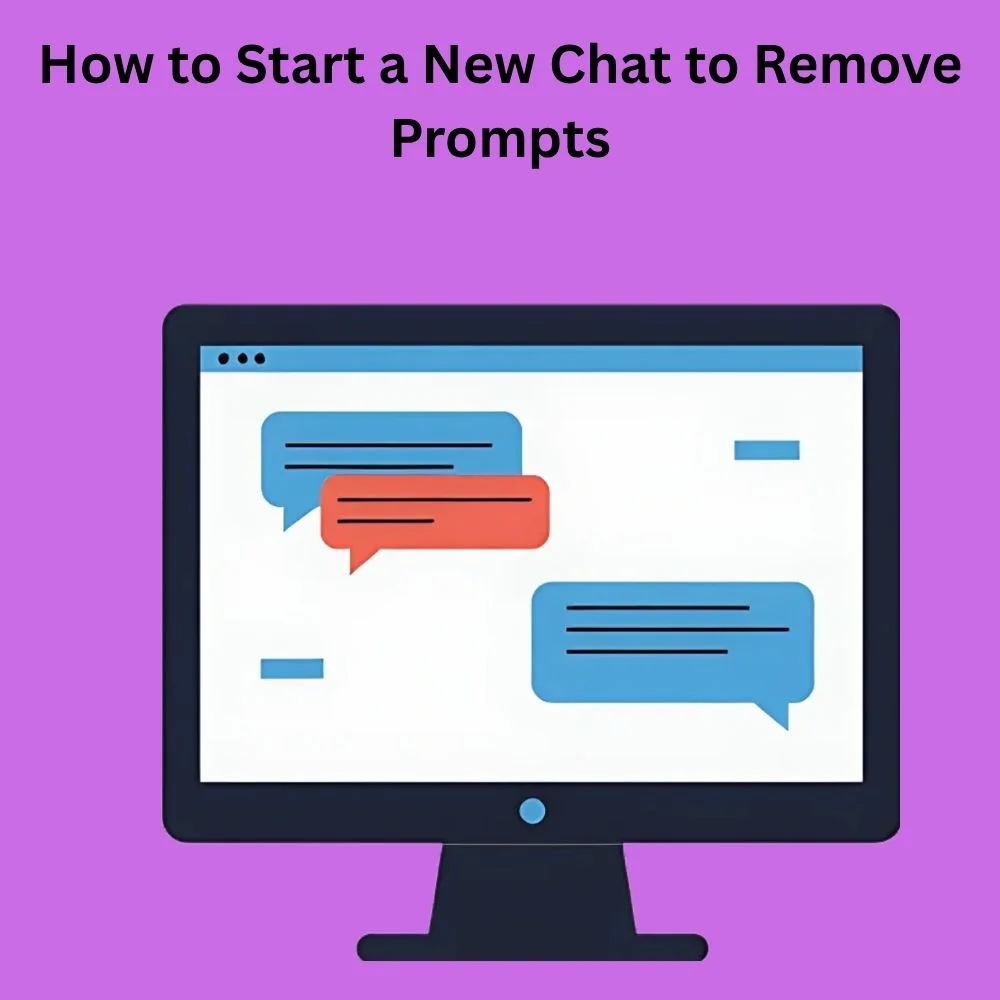
- ➕ Click “New Chat” to reset everything
- 🧠 Clears all previous context instantly
- ⚡ Fastest way to remove old prompts
- 📂 Keeps your old chats saved separately
- 🎯 Ideal for starting fresh topics
- 💬 Prevents old prompts from affecting answers
- 🧹 Keeps conversations organized
- 🔄 Easy to switch between chats
- 📱 Works on both mobile and desktop
- 💡 Recommended for beginners
How to Delete an Entire Chat Conversation
- 🗑️ Locate the chat in your sidebar
- 🖱️ Click on delete or trash icon
- ⚠️ Confirm deletion when prompted
- 📂 Removes all prompts in that chat
- 🔒 Helps protect sensitive data
- 🧹 Keeps your dashboard clean
- ⚡ Improves navigation experience
- 📉 Reduces clutter
- 💬 Cannot recover deleted chats (usually)
- 🎯 Best for long or outdated chats
Can You Edit a Prompt Instead of Removing It?
- ✏️ Some versions allow editing prompts
- 🔄 You can regenerate responses with changes
- 🧠 Helps refine outputs without starting over
- 📊 Saves time during revisions
- 🎯 Keeps conversation flow intact
- 💬 Useful for correcting small errors
- 🔍 Not always available in all interfaces
- ⚡ Faster than deleting chats
- 🧩 Maintains context continuity
- 💡 Great for prompt optimization
How to Reset ChatGPT Context Effectively
- 🔄 Start a new conversation
- 🧠 Avoid referencing old prompts
- ✂️ Keep prompts short and clear
- 📉 Reduce confusion in responses
- ⚡ Improves response accuracy
- 🎯 Helps ChatGPT focus on current query
- 🧼 Clears unwanted influence
- 📚 Useful for research tasks
- 💬 Works best with simple instructions
- 🔍 Prevents mixed context issues
Tips to Avoid Needing to Remove Prompts
- 🧠 Think before typing prompts
- ✏️ Draft prompts in a notepad first
- 🎯 Be clear and specific
- 🔄 Test prompts in new chats
- 📊 Avoid overly long instructions
- 🧩 Break complex prompts into parts
- 💬 Use follow-up questions wisely
- 📚 Keep topics separate
- 🧼 Maintain clean chat structure
- ⚡ Saves time and effort
Common Mistakes When Managing Prompts
- ❌ Trying to delete a single message (not always possible)
- 🔄 Repeating prompts unnecessarily
- 📉 Mixing multiple topics in one chat
- 🧠 Overloading ChatGPT with too much context
- ⚠️ Forgetting to start a new chat
- 📂 Not organizing conversations
- 🔍 Ignoring context carryover
- 🧩 Using unclear instructions
- 💬 Expecting instant corrections without edits
- ⚡ Skipping prompt refinement
Tools and Features That Help Manage Prompts
- 🖥️ Chat sidebar for chat management
- 🗑️ Delete chat option
- ➕ New chat button
- 🔄 Regenerate response feature
- ✏️ Prompt editing (if available)
- 📂 Chat organization tools
- 🔍 Search within chats
- ⚙️ Settings for data control
- 📊 History management options
- 🔒 Privacy controls
How Prompt Removal Affects ChatGPT Responses
- 🧠 Removes previous context influence
- 🎯 Improves relevance of answers
- 📉 Reduces confusion
- ⚡ Speeds up response clarity
- 🧩 Helps focus on new topics
- 💬 Avoids mixed answers
- 📊 Increases accuracy
- 🔄 Enables better experimentation
- 📚 Supports cleaner workflows
- 💡 Enhances user experience
Best Practices for Clean and Effective ChatGPT Use

- 🧼 Keep chats organized
- 🎯 Use one topic per conversation
- ✏️ Edit prompts when possible
- 🔄 Restart chats when needed
- 📊 Monitor response quality
- 🧠 Keep instructions simple
- ⚡ Avoid unnecessary repetition
- 📚 Save important chats separately
- 🔒 Protect sensitive information
- 💬 Communicate clearly
Conclusion
Learning how to remove a prompt from ChatGPT is an essential skill for anyone who wants to use AI effectively.
While you may not always be able to delete a single prompt directly, there are several practical ways to manage your inputs such as starting a new chat, deleting conversations, or editing prompts when possible.
These methods allow you to control the context and ensure that your interactions remain relevant and accurate.
By understanding how prompts influence responses, you can avoid confusion, improve output quality, and maintain a clean, organized workflow.
Simple habits like keeping chats focused, avoiding unnecessary repetition, and resetting context when needed can make a big difference in your overall experience.
Ultimately, managing prompts is about working smarter, not harder. With the tips and strategies shared in this guide, you’ll be better equipped to handle any situation and get the most out of ChatGPT without frustration.
🚀
Ready to take control of your ChatGPT experience? Start applying these tips today and see the difference! 💡
Try creating cleaner prompts, organize your chats, and experiment with fresh conversations.
👉 Want more helpful guides like this? Keep exploring and level up your AI skills now!

An experienced copywriter known for creating high-converting captions and blog posts. His writing blends creativity with strong marketing strategies.